
Your 60-second invoice
 ~30 sec
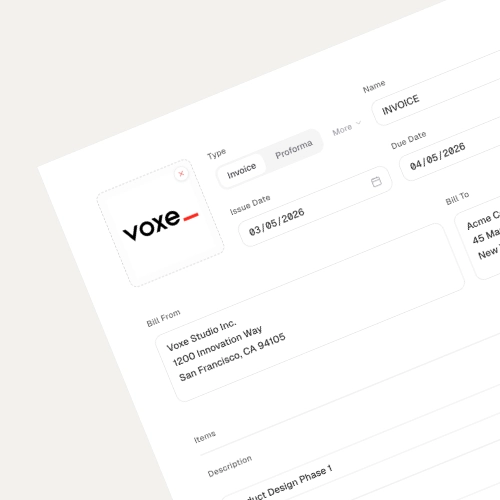
1. Fill in the details
Fill in your company info, client details, line items, and amounts. It's the most involved step, but it's also the foundation of every good invoice. Get this right and everything else follows.
 ~10 sec
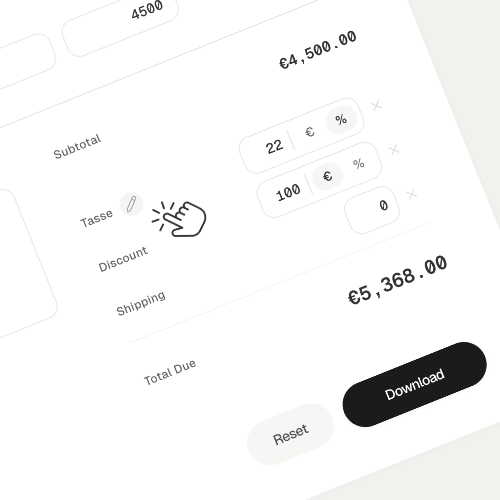
2. Speak your language
Click the pencil icon next to any label to rename it. Localize the language, adapt the terminology, or simply match your industry's conventions.
 ~10 sec
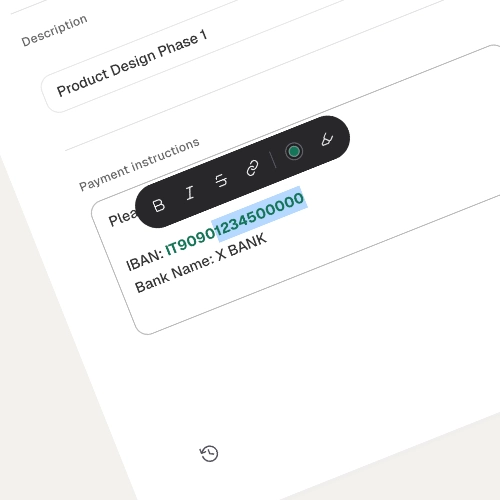
3. Add a personal touch
Drop in payment instructions, bank details, or a thank-you note. Use the toolbar to make text bold, add color, or even insert a payment link. Yes, a real clickable link in your PDF.
 ~5 sec
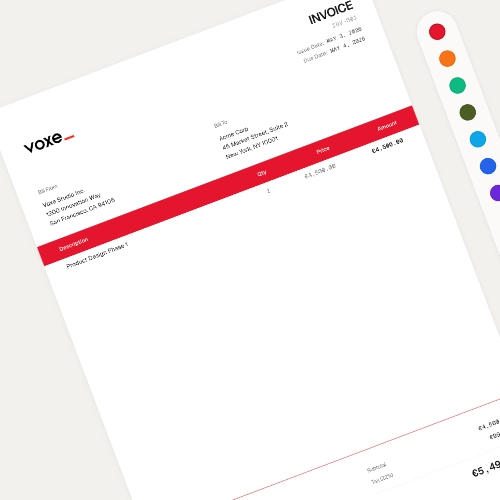
4. Make it yours
Pick your brand color - or embrace the void and keep it minimal. Both look great, we promise.
 ~5 sec
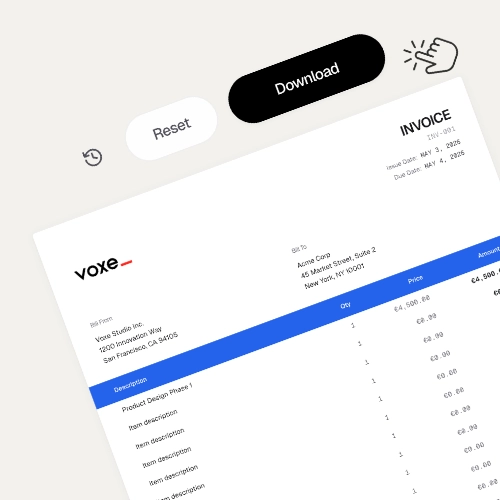
5. Download & done
Happy with the preview? Click Download. Voxe doesn't keep copies, so store it somewhere safe.
Ready? Your first invoice is 60 seconds away
Create Invoice